Cyber news, tools & one smart career path.
5 min read

Quick Reality Check
A stranger sitting next to you on the bus can easily find your private social media profiles. This is standard, and it’s how social media recommendation algorithms are designed to work. They use your background data to connect your physical movements with your online identity.
What happened:
A Reddit user shared that someone followed their private burner account after briefly making eye contact on a bus. The user wasn't even using Instagram on the bus. They had no profile picture or name on the account, and thought they were anonymous. Yet someone still found them and sent a follow request.
What this situation tells us a lot about how aggressive Instagram's recommendation algorithm actually is. Its system doesn't need a profile pic or public activity to make a suggestion. It pulls from proximity signals like your IP address, location data if enabled, or even device identifiers when people are physically near each other, and then cross-references behavioral patterns.
The algorithm simply sees that you two were in the same location at the same time and goes: "These two people were here together. Let's suggest accounts that might interest both of them." A private burner with no profile pic gets suggested because the algorithm doesn't care about privacy settings when making recommendations; it's optimizing for connection, not protection. The invisibility you thought you had gets stripped away by proximity matching.
Why it matters:
If Instagram can suggest a stranger's private account just because you stood next to them, it means Instagram knows exactly where you are at specific moments. That data can reveal patterns about your life: where you work, where you live, which coffee shops you frequent, which gym you go to, and which therapist's office you visit. Strangers, exes, stalkers, data brokers, they can all map your movements if they're on the platform with you.
A burner account isn’t actually private just because it has no profile picture or identifying info. Instagram still knows who you are behind it, linking that account back to you through your IP address, device ID, and login patterns.
Read more here
60-Second Protection Fix
Here is what you can do to protect yourself:
-
Turn off location services for Instagram entirely.
-
On iPhone: Settings → Privacy → Location Services → Instagram → toggle off "Precise Location."
-
On Android: Settings → Apps → Instagram → Permissions → Location → toggle off.
-
Check what other apps have your location and what Instagram is sharing with external websites.
-
Go to your Instagram profile → three lines → Account Center → Information and Permissions → Apps and Websites. Look at the "Active" apps and disconnect anything you don't recognize.
-
Turn off website cookies or use a VPN on public Wi-Fi. Cookies track your behavior across sites. If you're on public Wi-Fi, especially, a VPN encrypts your connection so devices nearby can't snoop on your activity.
What You Missed This Week
🎉✨ WE’RE TURNING 5! ✨🎉
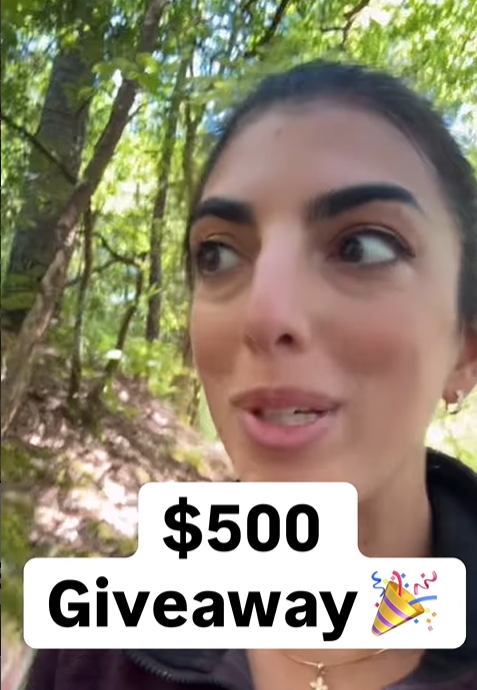
To celebrate 5 incredible years of Cybersecurity Girl, we’re giving away $500 CASH to one lucky winner! 💸🥳 Check how to enter here
What does Amazon know about you?
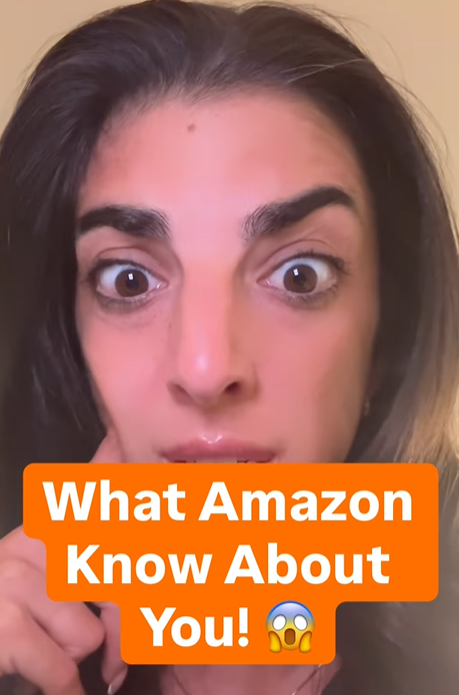
This is the easiest way to find out!
Ten things I’d tell parents to stop doing for their kids’ online safety.
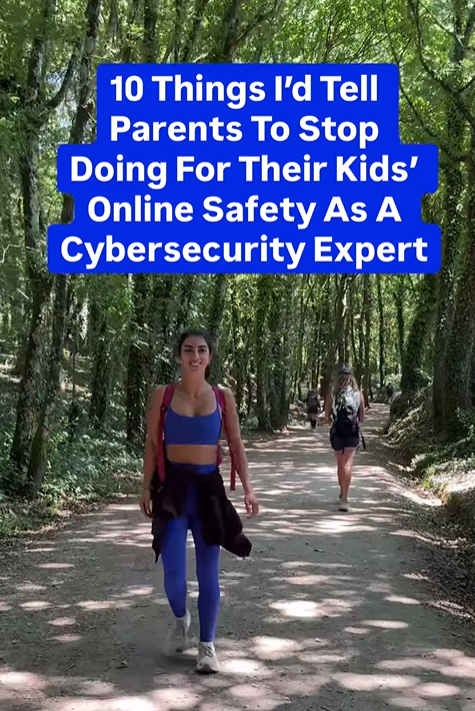
Check all 10 here
Let’s keep building together!
Stay protected,
Cybersecurity Girl
Know someone who’d enjoy this? Pass it along and have them sign-up here! And if you have thoughts or feedback, just hit reply, I’d love to hear from you.


Responses