Cyber news, tools & one smart career path.
5 min read

Quick Reality Check
The FBI is warning about a phishing technique that can give an attacker continuing access to your email and sensitive data even if they never learn your password.
What happened:
The scam is called OAuth consent phishing. Attackers send a link in an email or direct message. The messages may impersonate government officials, media contacts, event coordinators, or other recognizable people and organizations.
The message often appears to be about something ordinary: a shared file, an event invitation, or a request to verify your identity. But the link leads to a permission request for an application controlled by the attacker.
If you are already signed in to your Google or Microsoft account in your browser, the link can open an OAuth permission request while you are still logged in. You may think you are giving a harmless app access to your account. But if you click “Allow,” you give the malicious application permission to access your account.
Why it matters:
This attack is sneaky because it doesn't ask for your password; it asks for your permission. Your email is critical for your online life; just think about what is connected to it…banking alerts, social media, medical portals, school communications, work, files, contacts, and password-reset emails.
So when they have access to your email, that permission stays valid until you manually revoke it. They can read your emails, send messages as you, reset other passwords, and harvest your personal data - all without ever knowing your actual password.
If you have an email account, you are a potential target whether you are a CEO, a student, or a parent checking school updates.
Read more here
60-Second Protection Fix
Here's how to protect yourself:
-
Be skeptical of unexpected requests. Treat an unsolicited message asking you to open a file, accept an invitation, or verify your identity as suspicious even when it appears to come from someone recognizable.
-
Verify the sender independently. Do not reply to the suspicious message or use its link to verify it. Instead, contact the person or organization through a phone number, website, or email address you already know is legitimate.
-
Only authorize applications you trust. Before selecting “Allow” on any account-permission screen, confirm you recognize the app, understand why it needs access, and intentionally chose to connect it.
-
Remove suspicious connected apps. If you think you may have approved a malicious request, review your account’s connected applications or application-security settings and revoke the unfamiliar app’s access. Password changes alone may not end its access
-
Go to your Google account (myaccount.google.com), click Security on the left, scroll to "Your apps with access," and review everything listed there. Delete anything you don't recognize or don't use anymore.
-
Do the same for Microsoft. Visit account.microsoft.com, go to Apps & devices, then App permissions, and remove anything suspicious
What You Missed This Week
Russian hackers are targeting travelers through HOTEL WI-FI. 👀
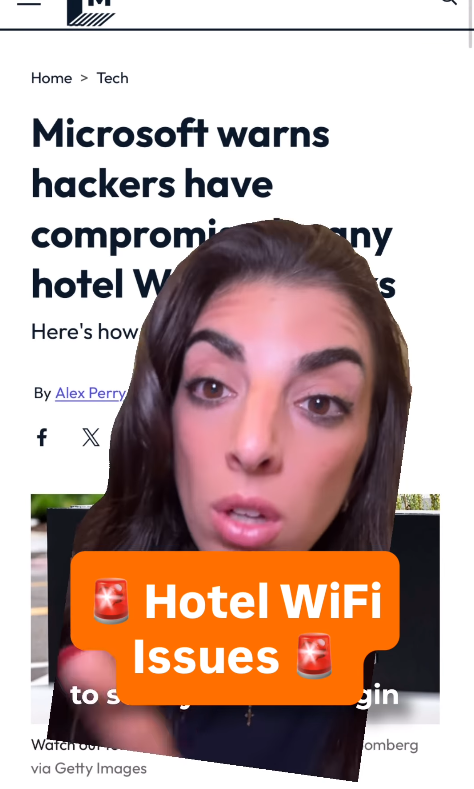
If you’re traveling here’s what you need to do
What do you need to do if your data has been breached?!?
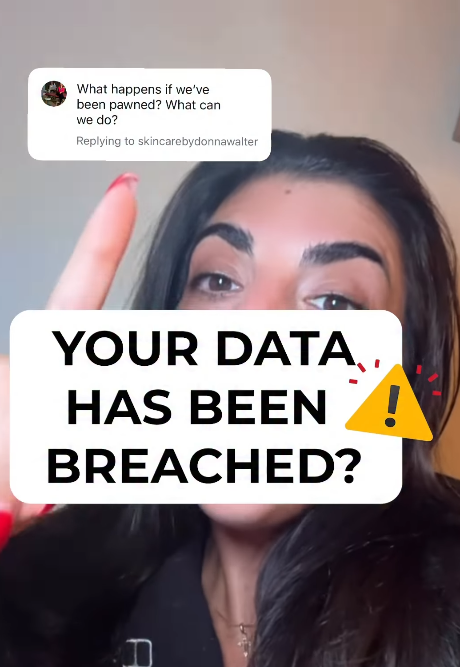
Here's what you can do
⚠️ Attention ⚠️ Scam Alert
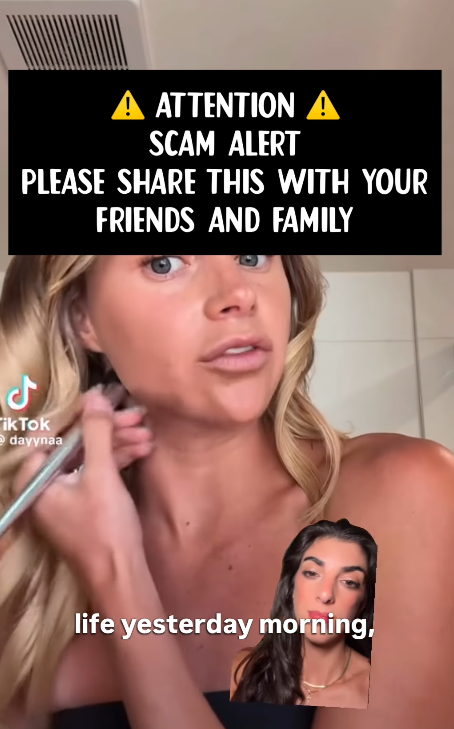
Please share this with your friends and family
Let’s keep building together!
Stay protected,
Cybersecurity Girl
Know someone who’d enjoy this? Pass it along and have them sign-up here! And if you have thoughts or feedback, just hit reply, I’d love to hear from you.


Responses