Cyber news, tools & one smart career path.
5 min read

Quick Reality Check
Apple Urgently Fixes New Security Flaw Actively Being Used by Hackers
What happened:
Apple released an emergency patch to fix a dangerous bug that lets hackers break into iPhones, iPads, and Macs. The scariest part is that it is a zero-click exploit, meaning it can spread through malicious image files without you clicking anything.
Why it matters:
Apple confirmed the flaw is already being used in targeted attacks. It can crash apps, corrupt files, or let hackers secretly take control of your device. If that happens, everything on the device is at risk, including password managers and crypto wallets. Installing the update right away helps protect both personal and work devices.
Read more, here.
60-Second Protection Fix
What you can do:
-
On iPhone or iPad, go to Settings → General → Software Update and install iOS 18.6.2 or iPadOS 18.6.2 (or iPadOS 17.7.10 for older models).
-
On Mac, go to System Settings → General → Software Update and install Sequoia 15.6.1, Sonoma 14.7.8, or Ventura 13.7.8.
-
Turn on Automatic Updates across all devices.
-
Until updated, avoid opening unknown links or images.
-
If you use a crypto wallet, update first, then check your seed phrase storage and confirm the wallet app is current.
Update now and share this with anyone who has an iPhone, iPad, or Mac. More info, here.
Cyber Career Spotlight
Incident Response (1 of 14 domains in Cybersecurity)
This team finds and fixes security flaws before attackers can use them. In a case like the Apple ImageIO zero day, they push patches fast, track coverage across all devices, verify versions, and close risky settings that make image attacks easier. If you like solving problems before they start and measuring progress clearly, this could be your path.
Explore Our Cyber Paths 101
Curious if Vulnerability Management is your vibe? Dive into our Cyber Paths 101, and if you are ready to go deeper, join our Cyber Career Club to grow your skills, network, and confidence.
Learn more about Vulnerability Management in my Free Intro Course: Cyber Paths 101
Must-Have Tool:
I created a new tool just for my followers, and I am so excited to share it. I partnered with Incogni to build a scan that checks public data broker sites and shows which websites have your personal information. Enter your name and email to get your report in about 15 minutes.
Try it here and see how exposed your data really is.
(This tool is only available in the US right now but read the “What we are hearing from you” section to learn how to search yourself)
What You Missed This Week
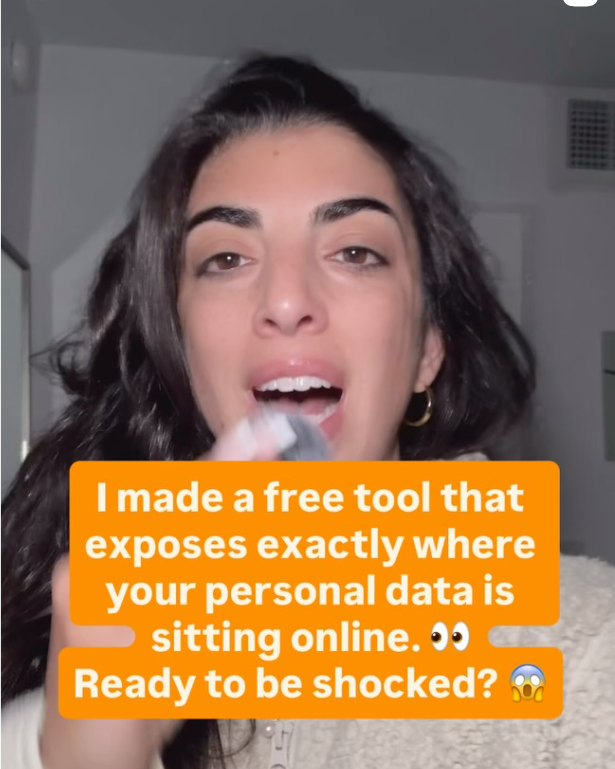
I made a free tool that exposes exactly where your personal data is sitting online. Ready to be shocked? Watch my video to see how it works and what to clean up first. Click on the image or watch here
What We're Hearing From You!
"I just started getting ton of scam calls. Any recommendations you might have? " @leyahlove1111
I know how frustrating it is to suddenly start getting a flood of scam calls. Unfortunately, it usually means your personal information, like your name and phone number, has been shared or sold by data brokers online. You’re definitely not alone in this. A quick way to see what’s out there is to Google your name + phone number, or try the tool I mentioned above to get a clearer picture. And if you’d like some help removing your information from those sites, I recommend Incogni, it takes a lot of that stress off your plate.
Let’s keep building together!
Stay protected,
Cybersecurity Girl
Know someone who’d enjoy this? Pass it along and have them sign-up here! And if you have thoughts or feedback, just hit reply, I’d love to hear from you.


Responses