Cyber news, tools & one smart career path.
5 min read

Quick Reality Check
A new trend is taking over social media where users ask ChatGPT to "create a caricature of me and my job based on everything you know about me." It’s fun, it’s viral, and it’s a privacy nightmare in the making.
What happened:
Users are feeding AI tools a specific prompt to generate hyper-detailed, stylized portraits that reflect their hobbies, careers, and even pets. To get those "uncannily accurate" results, users are often asked to upload a fresh selfie and provide extra details about their living situations, personality traits, and daily routines.
This trend effectively encourages you to hand over a collection of sensitive data, visual and text-based, that allows the AI to build a rich, persistent profile of your real-world identity.
Why it matters:
While the caricature might be gone from your feed in a week, the data stays. Sharing intimate details for a quick 60 seconds of entertainment is not worth it and makes it easier for tech companies to map and target you.
Even if the data isn't immediately used for training, remember: any information AI processes is still stored data. That means it could potentially be accessed by the provider or surfaced through legal requests like search warrants. And if there's ever a data breach, this "bio-information", like your eye color, hair color, and lifestyle habit could be exploited for deepfakes or more sophisticated scams.
Read more here
60-Second Protection Fix
AI tools like ChatGPT are game-changers, but they can be risky if you're not careful, think data leaks that exposed chat histories and more.
Here are some practical tips to keep you safe while using any AI tool:
-
Keep prompts generic. Never share sensitive data. Skip putting in passwords, SSNs, or anything personal. That input can be stored or misused.
-
Check the app's permissions. See what it's asking for: your phone, mic, photos? Only turn on what's necessary and deny the rest.
-
Separate work and personal. Use an enterprise or school account for work data. Keep personal use in a consumer account.
-
Check your privacy settings. Turn off “use my chats to improve the model” if the tool allows it.
-
Use private modes. Turn on Incognito or “do not save” before sensitive prompts.
What You Missed This Week
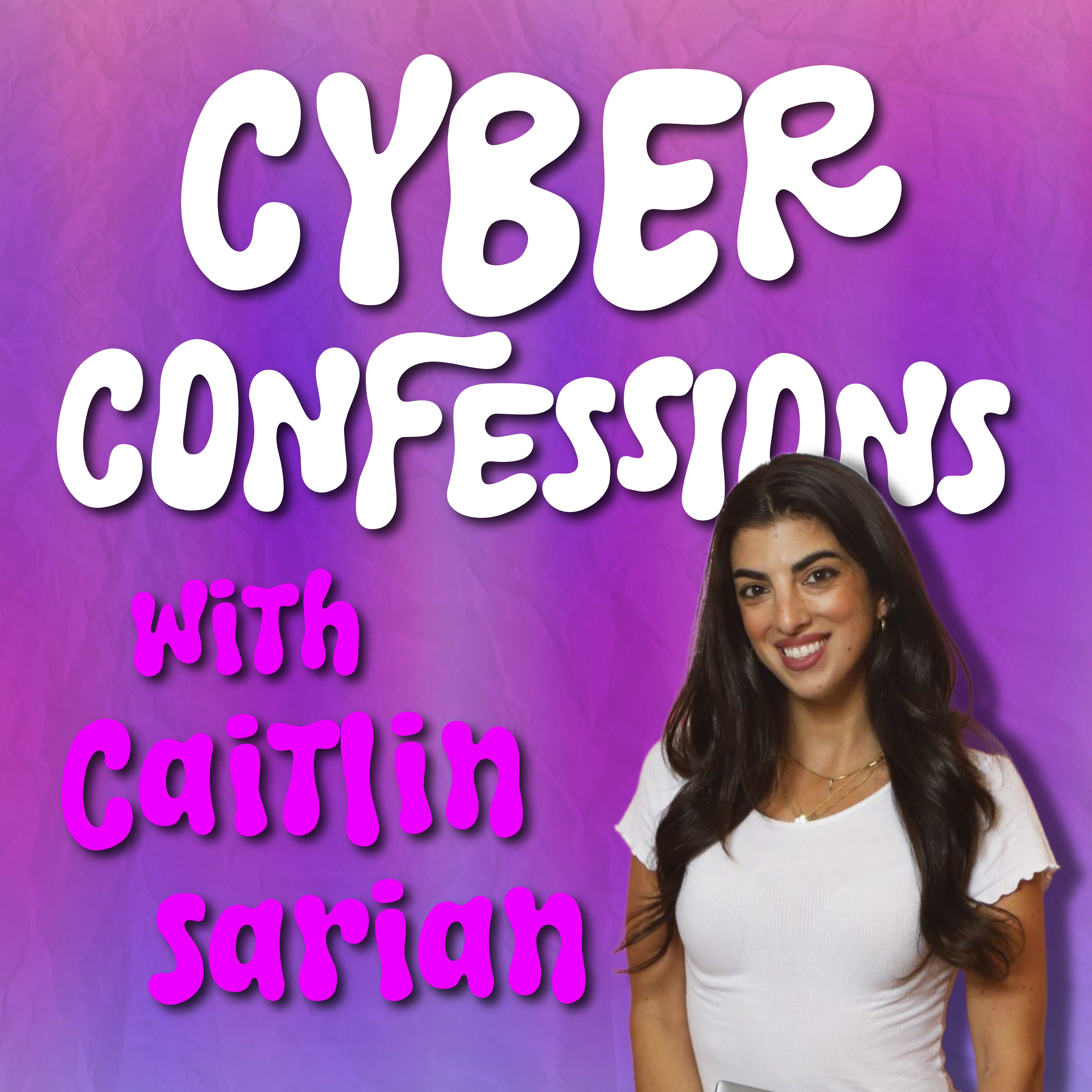
Is your "cyber hygiene" putting you at risk without you even knowing? I sat down with Keelin Conant, Senior Solutions Advisor at Alvaka and host of the CyberSoul podcast, to expose the surprising ways our daily habits actually leave us vulnerable. Listen or watch it here
Must-Have Tool:
Protect Your Privacy: Managing Data In AI Tools
I put together this guide to help you see what AI tools know about you and how to take back some control. In this guide, I’ll walk you through the key settings to review, the small toggles that actually help, and a few habits that keep your data safer without overthinking it.
Check Out Governance, Risk & Compliance (GRC) (aka “the Rulekeepers”)
When viral trends like AI caricatures start blurring privacy lines, GRC and Data Governance professionals are the ones behind the scenes, setting the boundaries. They analyze the risks and design the rules for what data can be used and what must stay private.
If you want to be the person who ensures “convenience” doesn’t come at the cost of compliance, this is your path
Learn more about GRC in my Free Intro Course: Cyber Paths 101
Let’s keep building together!
Stay protected,
Cybersecurity Girl
Know someone who’d enjoy this? Pass it along and have them sign-up here! And if you have thoughts or feedback, just hit reply, I’d love to hear from you.
Responses