Cyber news, tools & one smart career path.
5 min read
Quick Reality Check
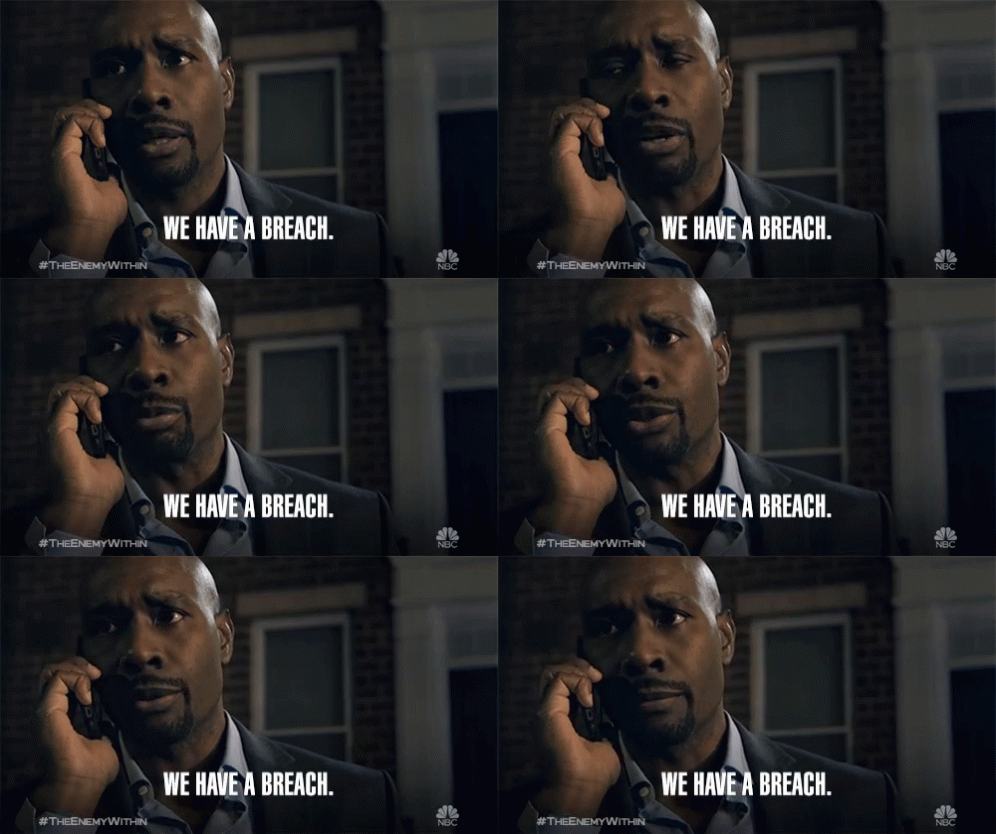
PayPal just confirmed that a major security lapse left sensitive customer data, including Social Security numbers, exposed for nearly six months. A “simple” coding error effectively left the front door wide open from July through December.
What happened:
A software bug in the PayPal Working Capital app (used by small businesses for quick financing) made it possible for unauthorized people to see private information. This happened because of a code change that went wrong in July 2025 and stayed active for months. PayPal did not catch the mistake until mid December.
During that time, names, emails, phone numbers, and full Social Security Numbers were visible to certain users. While PayPal says the error only affected about 100 people, they have already confirmed that a few of those customers saw unauthorized transactions on their accounts before the fix was put in place.
Why it matters:
When attackers get ahold of your SSN and date of birth, they have the exact ingredients needed for identity theft. This is not just about a leaked email address. Attackers can use this info to bypass security checks or open accounts in your name.
Read more here
60-Second Protection Fix
If you use PayPal Working Capital, here is what I recommend you do:
-
Change passwords immediately: Update them on the affected site, and anywhere you reuse them
-
Pause for nine seconds before clicking, downloading, or sharing links, especially those in unexpected or urgent messages.
-
Turn on multi-factor authentication (MFA) EVERYWHERE
-
Place a credit freeze or fraud alert with TransUnion, Experian, and Equifax to block new fraudulent accounts.
Want more tips? I put together a quick, practical guide to help you spot the small mistakes that put your digital life at risk and how to fix them fast. Inside, you’ll find simple, effective tips that actually make a difference, including how to freeze your credit to protect yourself from identity theft. Download my Everyday Tips To Keep You Safe Online guide.
What You Missed This Week
What happens when a 13-year-old’s curiosity brings a three-letter agency to the front door? I sat down with Joseph Cheung, a Chief Engineer for the U.S. Space Force, to discuss his journey from accidentally finding an "open door" in a secured system to defending the satellites that keep our GPS and global clocks running. Listen or watch it here
Must-Have Tool:
Your email could be sitting in dozens of old breaches without you knowing it. Have I Been Pwned lets you check whether your email or phone number has appeared in a known breach and which companies leaked it.
If you show up in results, change your password instantly, avoid reusing passwords anywhere else, and turn on two-factor authentication wherever you can to shut down most account takeover attempts.
Check Out Security Architecture (aka “The Blueprint Designers”)
When major leaks happen, we often look at the aftermath, but Security Architects are the ones working to prevent them from the start. They are the pros who design the digital blueprint, making sure security controls are built into IT systems from day one.
Instead of just reacting to a breach, these "Blueprint Designers" embed controls into systems and vendors to align with business goals. They segment sensitive data, require encryption and logging, and plan for recovery so that even if something breaks, the damage stays
Learn more about Security Architecture in my Free Intro Course: Cyber Paths 101
Let’s keep building together!
Stay protected,
Cybersecurity Girl
Know someone who’d enjoy this? Pass it along and have them sign-up here! And if you have thoughts or feedback, just hit reply, I’d love to hear from you.
Responses