Cyber news, tools & one smart career path.
5 min read

Quick Reality Check
Adobe has issued an urgent fix for a major security hole in Acrobat Reader that hackers have been using for months. This "zero-day" flaw means that simply opening a PDF can let an attacker read files on your system and pull in more malware. There is no need to click a suspicious link or download a second file; the moment the document loads, the hidden trap springs.
What happened:
Researchers found CVE-2026-34621, a flaw in how Adobe Reader handles PDFs. When you open a malicious PDF, hidden code tricks the program into reading files on your computer and sending copies to attackers, and most people don’t notice. Attacks started in late 2025. Adobe released the patch on April 11, 2026
Why it matters:
Adobe Reader sits on millions of computers, especially in business and government. People trust PDFs. They open them constantly. The attacker doesn't need you to click a malicious link or fall for a phishing email. They just need you to open a PDF that looks normal, and the vulnerability does the rest. Then they can grab your financial records, tax returns, emails, whatever they want. It spreads fast because people keep opening PDFs while they're vulnerable.
Read more here
60-Second Protection Fix
Here is what you can do to protect yourself:
-
Update Adobe Acrobat now:
-
Go to Help > Check for updates and turn on automatic updates so you don't miss future patches.
-
Keep your software constantly updated. This is non-negotiable. Most breaches come from patches that were released months ago, and people never installed. Set automatic updates for everything: your operating system, your browser, Adobe, Microsoft Office, all of it.
-
Consider using a secure file-sharing tool like OneSpace
-
Reduce your risk surface: Don't open PDF attachments from people you don't know. If someone sends you an unexpected PDF, ask them to verify they actually sent it before you open it. Be skeptical of urgent-sounding PDFs that demand immediate action.
-
Use multi-factor authentication on your critical accounts, especially email and banking.
What You Missed This Week
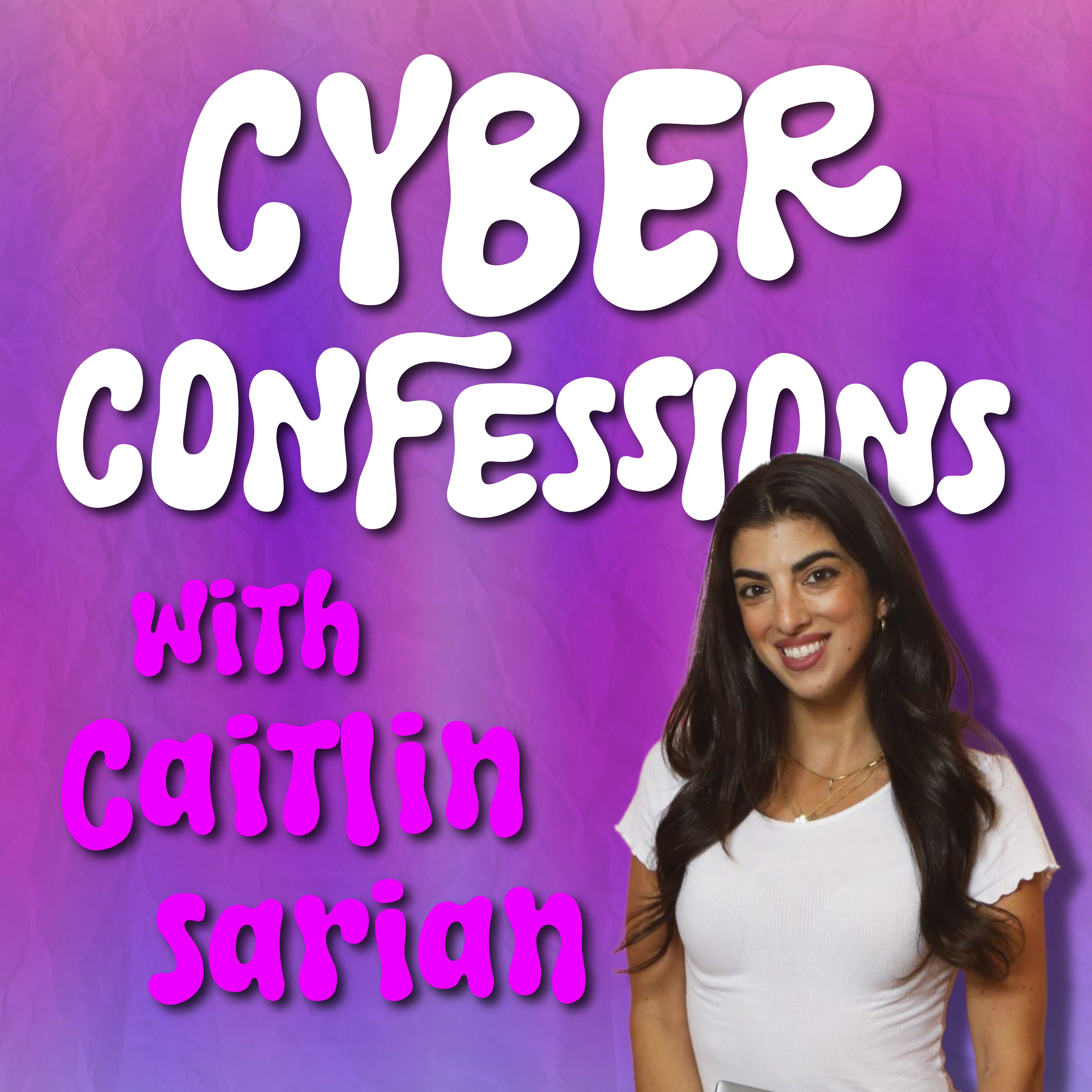
Think your private life is safe? Think again. In a new episode of Cyber Confessions, Adaptive Security CEO Brian Long reveals how AI uses a single LinkedIn URL to uncover your family’s deepest secrets, even things you’ve never officially posted. Listen or watch it here
New field guide to AI adoption for IT and security teams
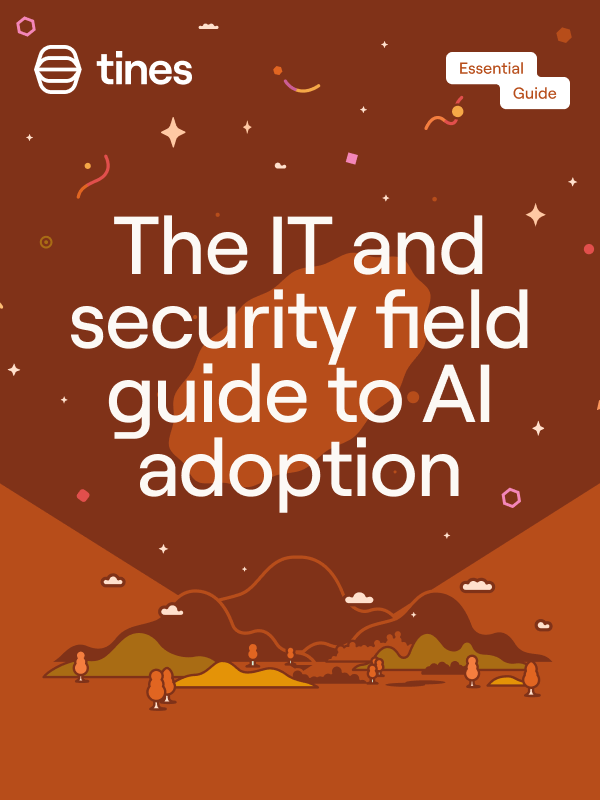
AI is everywhere right now. But for many teams, the reality hasn’t matched the promise. Tools that look great in demos don’t hold up in real workflows. Complexity increases. Instead of reducing workload, AI can introduce new risks and oversight.
So what’s actually working? Tines just released a new guide that takes a more practical look at AI adoption for security and IT teams. Inside, you’ll get a practical framework for evaluating AI tools, a step‑by‑step approach to choosing ones that hold up in production, the key questions to ask vendors, and best practices for keeping humans in the loop.
If you’re thinking about AI beyond experimentation, this is a useful place to start.
*Sponsored by Tines
POV: Your “small” cybersecurity page gets more views than the news

Every Family Should Have A Family Code Word

A family code word is one of those simple security moves that sound almost too easy, but it genuinely saves lives. Here's why everyone needs one.
Let’s keep building together!
Stay protected,
Cybersecurity Girl
Know someone who’d enjoy this? Pass it along and have them sign-up here! And if you have thoughts or feedback, just hit reply, I’d love to hear from you.


Responses