Cyber news, tools & one smart career path.
5 min read
Quick Reality Check
Google just patched a Chrome flaw that attackers were actively exploiting in the wild. The fix is available, but it requires a manual restart that most people do not realize.
What happened:
Google released an emergency patch for a vulnerability in Chrome’s JavaScript engine, the component that powers every website you visit.
You do not need to click anything suspicious to be affected. Simply visiting a malicious page can trigger the exploit.
The flaw allows attackers to make Chrome read or write data outside its intended memory space. In practice, this means a specially crafted webpage can execute code inside your browser without any interaction from you.
Why it matters:
If your browser is compromised, attackers can steal passwords, session cookies, payment details, and anything you have entered or stored. They can inject malicious content into trusted sites and monitor your activity in real time. A patch closes that door, but only after it is installed.
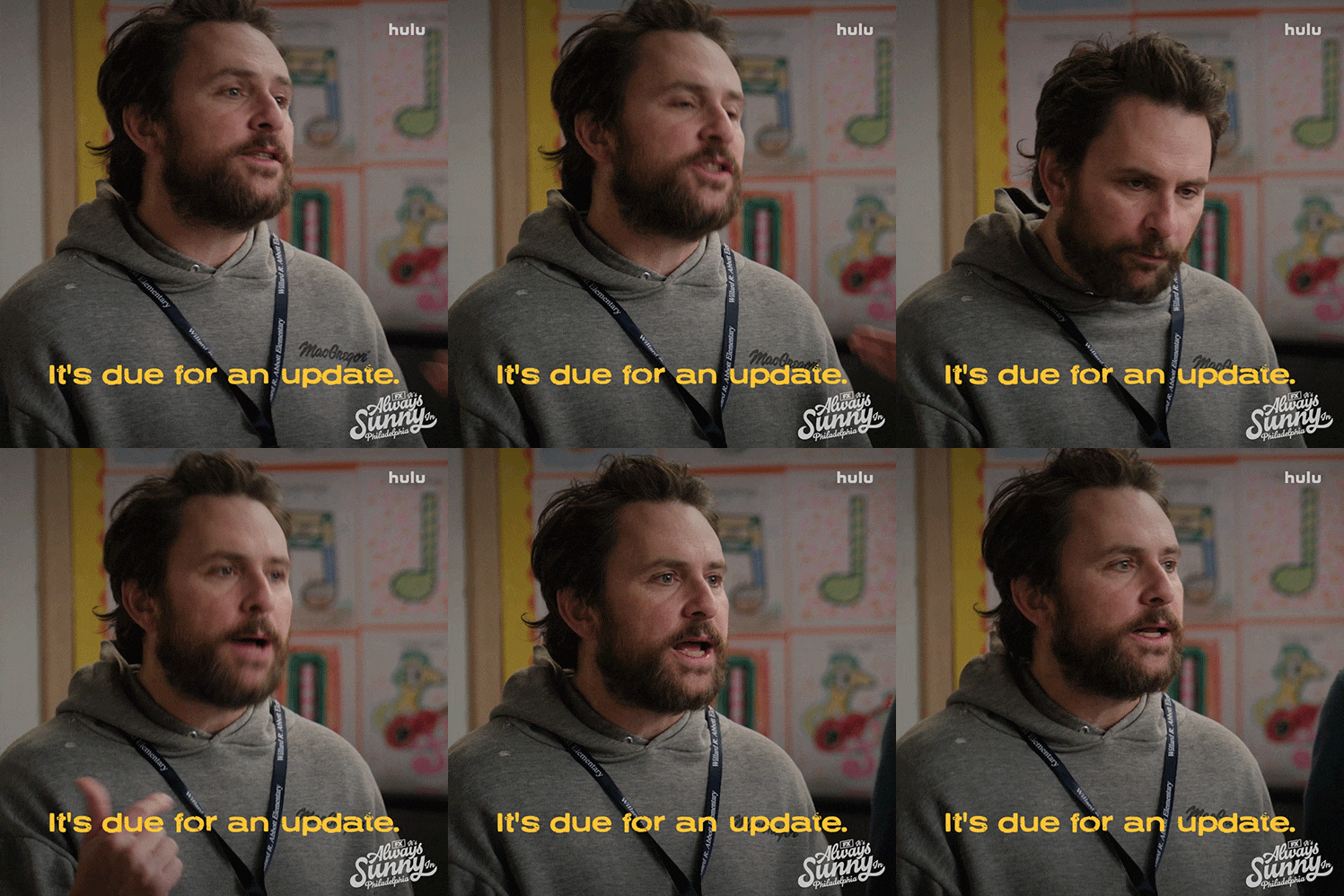
Chrome updates automatically, but the update only completes after you restart the browser. If Chrome has been open for hours or days, the update may already be downloaded but not installed. That means many people are still running a vulnerable version.
Read more here
60-Second Protection Fix
Here is what you can do to protect yourself if you use Chrome:
-
Open Google Chrome on your Windows, Mac, or Linux computer.
-
Click the three-dot menu icon in the top right corner of the browser window.
-
Click Help, then click About Google Chrome.
-
The page will automatically check for updates. If it shows a version number lower than 149.0.7827.102, a download bar will appear. Wait for it to finish.
-
The patched versions are 149.0.7827.102 for Windows and Linux and 149.0.7827.103 for Mac.
-
Click the Relaunch button that appears after the download completes.
-
Chrome will reopen with all your tabs restored and the patch installed.
🎉✨ $500 GIVEAWAY WINNER! ✨🎉
We have a winner! Congratulations to Riley Johnson (@smileyriley.64). Thank you all for being part of this journey. Here’s to five years of learning, growing, and building a stronger cybersecurity community together 💖
What You Missed This Week
Facebook is scanning your unposted photos.
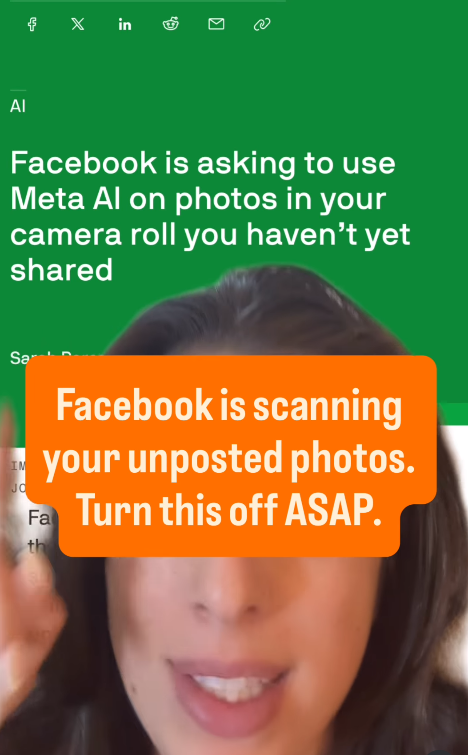
Turn this off ASAP.
New Scam Warning! 🚨 🚨

That “You’re Invited!” text or email might be a scam. Find out more here
7 things I no longer do with my phone as a Cybersecurity expert
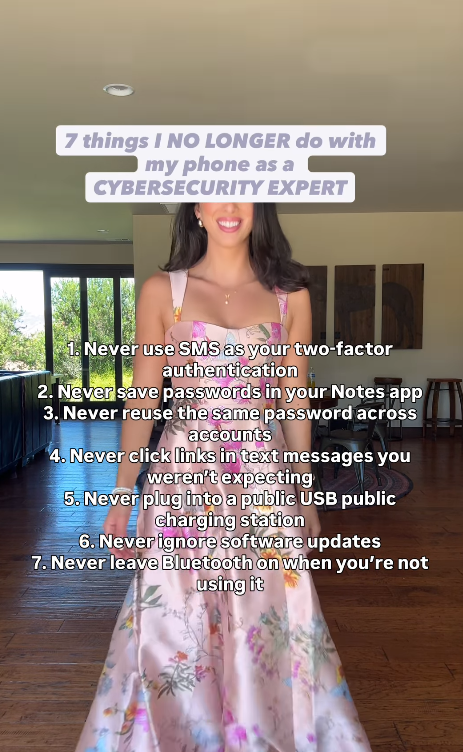
Check all 7 here
Let’s keep building together!
Stay protected,
Cybersecurity Girl
Know someone who’d enjoy this? Pass it along and have them sign-up here! And if you have thoughts or feedback, just hit reply, I’d love to hear from you.


Responses