Cyber news, tools & one smart career path.
5 min read

Quick Reality Check
Since at least May, Russian hackers have been reprogramming the Wi-Fi routers at hotels and conference centers across multiple U.S. cities to redirect anyone trying to login to Microsoft365 straight to a fake login page
What happened:
Attackers have been quietly breaking into Wi-Fi routers at hotels and conference centers across the U.S. and Europe. Once inside, they reprogram the router so that anyone trying to login to Microsoft 365 is silently redirected and sent to a fake login page.
The fake page can look identical to the real one, because it's the hotel's own router doing the redirecting. So there are no suspicious links and no warning of any kind. You just try to check your work email and hand your login straight to the attacker.
Why it matters:
Normally, you'd expect a phishing email to arrive in your inbox with a suspicious link. You'd see a typo, something off about the sender, a request that doesn't quite fit. You'd have a chance to catch it. But this attack removes that moment entirely.
Once attackers have your Microsoft 365 credentials, they have access to your email, OneDrive, Teams, everything connected to that account. From there, they can send emails from your account to your contacts, steal sensitive files, reset your password, or sell access to other criminals.
Here is what you can do to protect yourself:
-
Use a VPN on public Wi-Fi. A VPN encrypts your traffic so the Wi-Fi can't redirect you, no matter what the hackers do to the router.
-
If you travel for work, use your company's VPN. Most enterprises have this built in. Use it every single time you're on hotel or conference Wi-Fi.
-
Check your recent Microsoft 365 activity. Go to your account security page and look at recent sign-ins. If you see locations or devices you don't recognize, change your password immediately and enable two-factor authentication if you haven't already.
-
Turn off auto-connect on your devices. Phones and laptops will sometimes auto-join networks they've connected to before. Disable that so you're choosing each time manually.
-
When possible, use your own phone’s hotspot instead of using public Wi-Fi
Read more here
What You Missed This Week
Here is the easiest way to delete yourself online using AI
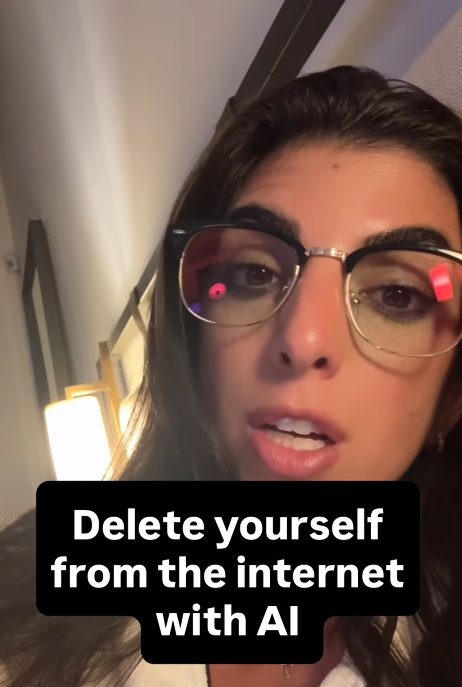
Watch here
This scam is still going around and almost got my friend, so I wanted to reshare this!

Please share this with family and friends and follow
A white hat, hacker (a good hacker) showed me how hackers find your leaked passwords without going to the dark web.
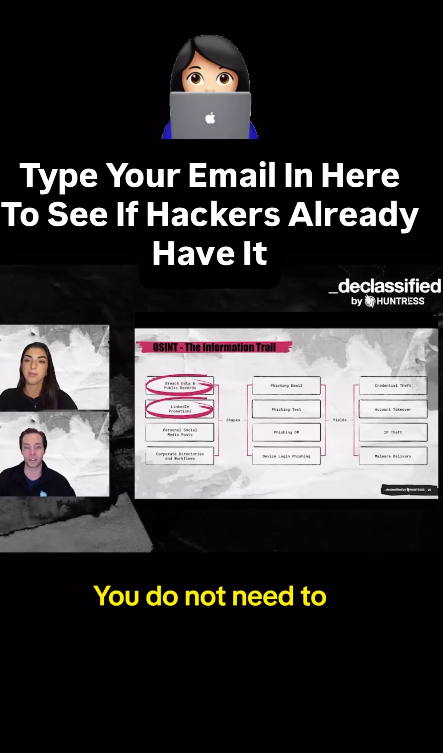
Watch here. This is for educational purposes only!
Let’s keep building together!
Stay protected,
Cybersecurity Girl
Know someone who’d enjoy this? Pass it along and have them sign-up here! And if you have thoughts or feedback, just hit reply, I’d love to hear from you.


Responses