Cyber news, tools & one smart career path.
5 min read

Quick Reality Check
A clever new attack has been discovered where scammers are abusing legitimate Apple account‑change notifications to push tech support scams. Unlike typical phishing emails that come from a fake address, these messages are real emails sent through Apple’s official servers, which helps them bypass many spam filters and look highly authentic.
What happened:
Scammers create an Apple ID and put a phishing message into the account’s personal information fields, such as the first and last name or address. Then they change something small on that account, such as shipping information, so Apple sends a real “Your Apple account was updated” notification.
That email lands in the scammer’s inbox first, and then the scammer forwards or mass‑distributes it to victims. Inside the apparently legitimate Apple email, the message text includes a fake warning and a phone number urging the user to call “support.”
This works because the email truly came from Apple’s servers, even though the attacker inserted the phishing text via the account’s profile fields.
Why it matters:
Scammers are weaponizing trust. They are not building a fake Apple email from scratch anymore. They are abusing Apple’s own account‑change notification system so the message arrives with all the hallmarks of authenticity. The sender appears to be Apple. The headers look right. The link structure looks right. Your email client does not flag it as suspicious because technically, it came through Apple’s servers. The twist is that the malicious text is hidden inside the attacker’s own account information, and they forward that real Apple email to victims to make the scam look fully legitimate.
Read more here
60-Second Protection Fix
Here is what you can do to protect yourself:
-
Never call a number that appears in an unsolicited message, even if the message looks authentic. If you think there's a real Apple account issue, go directly to Apple.com log in yourself, and check your account status.
-
Do not give remote access or payment. If a caller claims they are from Apple support and asks you to install remote‑access software, pay for services, or give your password, hang up. Apple will never call you out of the blue and ask for remote access or payment over the phone.
-
Turn on two-factor authentication for your Apple ID if you haven't already. This means even if someone gets your password, they can't access your account without a code that lands on your trusted device. That's huge because it blocks the initial takeover
The reason this scam works is urgency plus legitimacy. Your brain sees a real Apple email and thinks, "This must be true." The antidote isn't more technology, it's pause. Before you act on any account notification, take a breath. Ask yourself: Did I just do something that would trigger this? Or did it come out of nowhere? Real account alerts usually follow actions you took. Random ones are almost always the trap.
What You Missed This Week
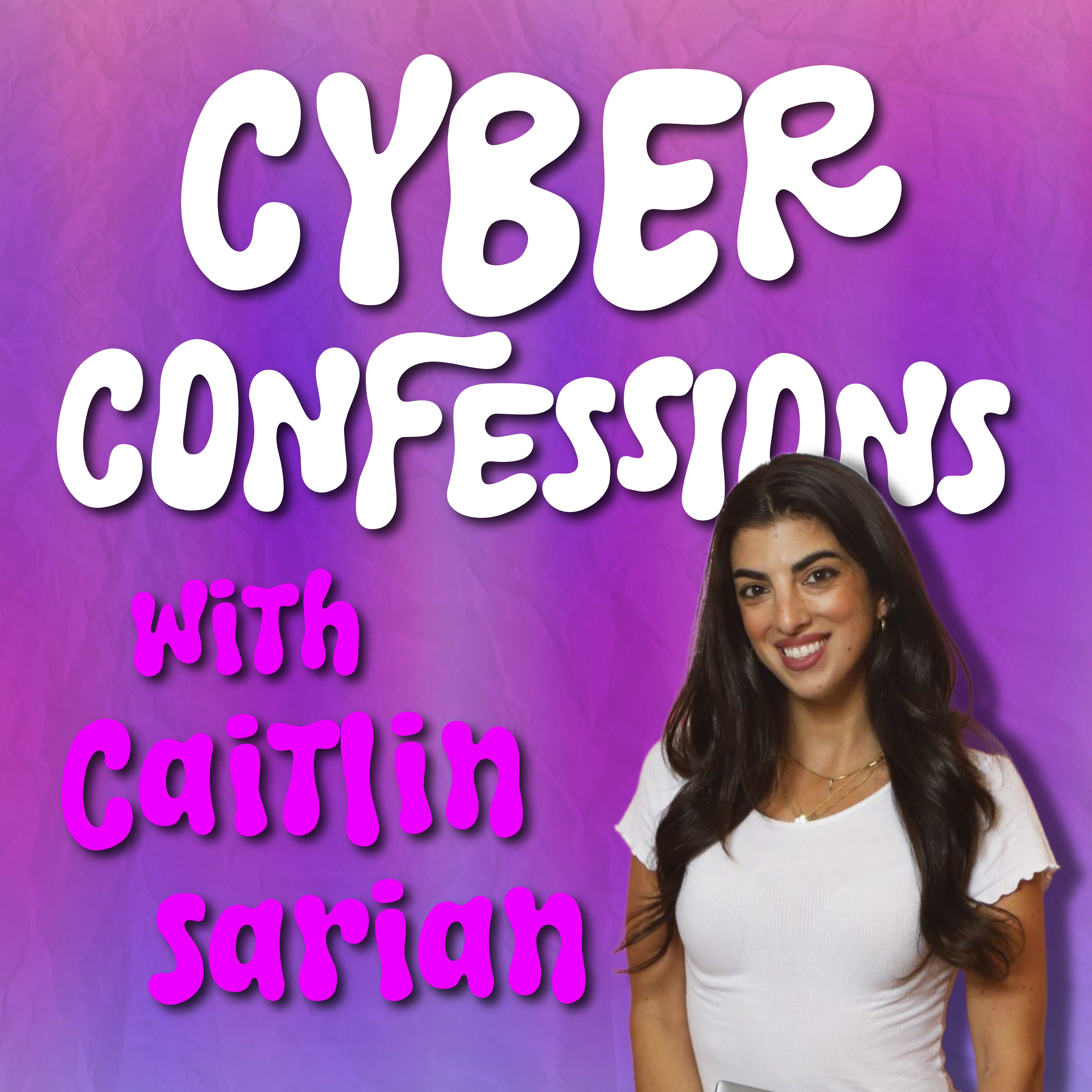
What happens when a 13-year-old’s curiosity brings a three-letter agency to the front door? I sat down with Joseph Cheung, a Chief Engineer for the U.S. Space Force, to discuss his journey from accidentally finding an "open door" in a secured system to defending the satellites that keep our GPS and global clocks running. Listen or watch it here
People always ask me, “Why Do You Work So Much?”

The answer is simple. So I can experience amazing things like this with people I love♥️
This Venmo Scam Is Tricking So Many People
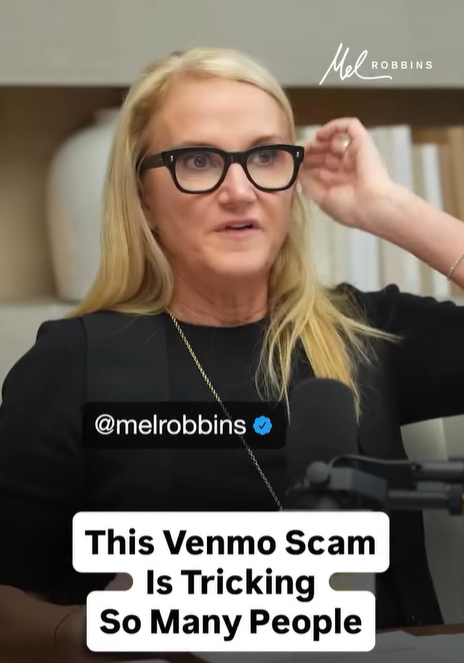
Here’s what is happening and how to protect yourself!!
Let’s keep building together!
Stay protected,
Cybersecurity Girl
Know someone who’d enjoy this? Pass it along and have them sign-up here! And if you have thoughts or feedback, just hit reply, I’d love to hear from you.
Responses