Cyber news, tools & one smart career path.
5 min read
Quick Reality Check
Thousands of Facebook accounts have been compromised in a coordinated phishing campaign that specifically leveraged Google services to bypass security filters. Attackers used legitimate Google infrastructure to deliver malicious links, making the phishing emails appear trustworthy to unsuspecting users.
What happened:
The attackers utilized Google-hosted content to host their phishing pages, exploiting the high reputation of Google domains to evade email security protocols. By sending these messages through official channels, the phishers successfully tricked thousands of users into handing over their Facebook login credentials.
Why it matters:
A phishing campaign that exploits legitimate infrastructure does two things that make it dangerous: it strips away the warning signs people normally rely on, and it gives attackers credibility they didn't earn.
When a scammer uses real Google infrastructure, your email filter sees Google's trusted servers, not a malicious sender. The email looks authentic because it comes through authentic channels. People have been trained to trust Google's domain, so they let their guard down. That's the whole point. And once someone enters their Facebook credentials on a fake login page, the attacker owns that account and everything tied to it: messages, photos, recovery emails, and linked payment methods.
Read more here
60-Second Protection Fix
Here is what you can do right now to protect yourself:
-
Enable two-factor authentication on every account that matters. Facebook, email, banking. If someone has your password, they still can't get in without that second code. This alone stops most account takeovers cold.
-
Never click links in unexpected emails, even if they look official. Instead, go directly to the site by typing the URL yourself or finding it through a bookmark. That phishing email might look like it came from Facebook, but it didn't.
-
Check haveibeenpwned.com regularly. If your credentials show up in a breach, change that password immediately and use a unique one you haven't used anywhere else.
-
Review your active devices and sessions:
- Open the Facebook app or website and log in
-
Tap or click the menu (three lines or your profile picture) and select Settings & Privacy → Settings
-
Under Accounts Center, choose Password and Security.
-
Tap or click "Where you’re logged" in to see all current devices and sessions (including browser, app, location, and last‑activity time)
-
Review the list for any device, location, or browser you don’t recognize (for example, an unfamiliar city or an old phone you no longer use) and log out from those you don’t recognize. Attackers often stay logged in after stealing credentials, so removing unknown sessions helps cut off their access to your account.
The hard truth: no filter catches everything. Your awareness is the last line of defense.
What You Missed This Week
It’s Official. I was named the #1 Cybersecurity Creator in the World across all platforms
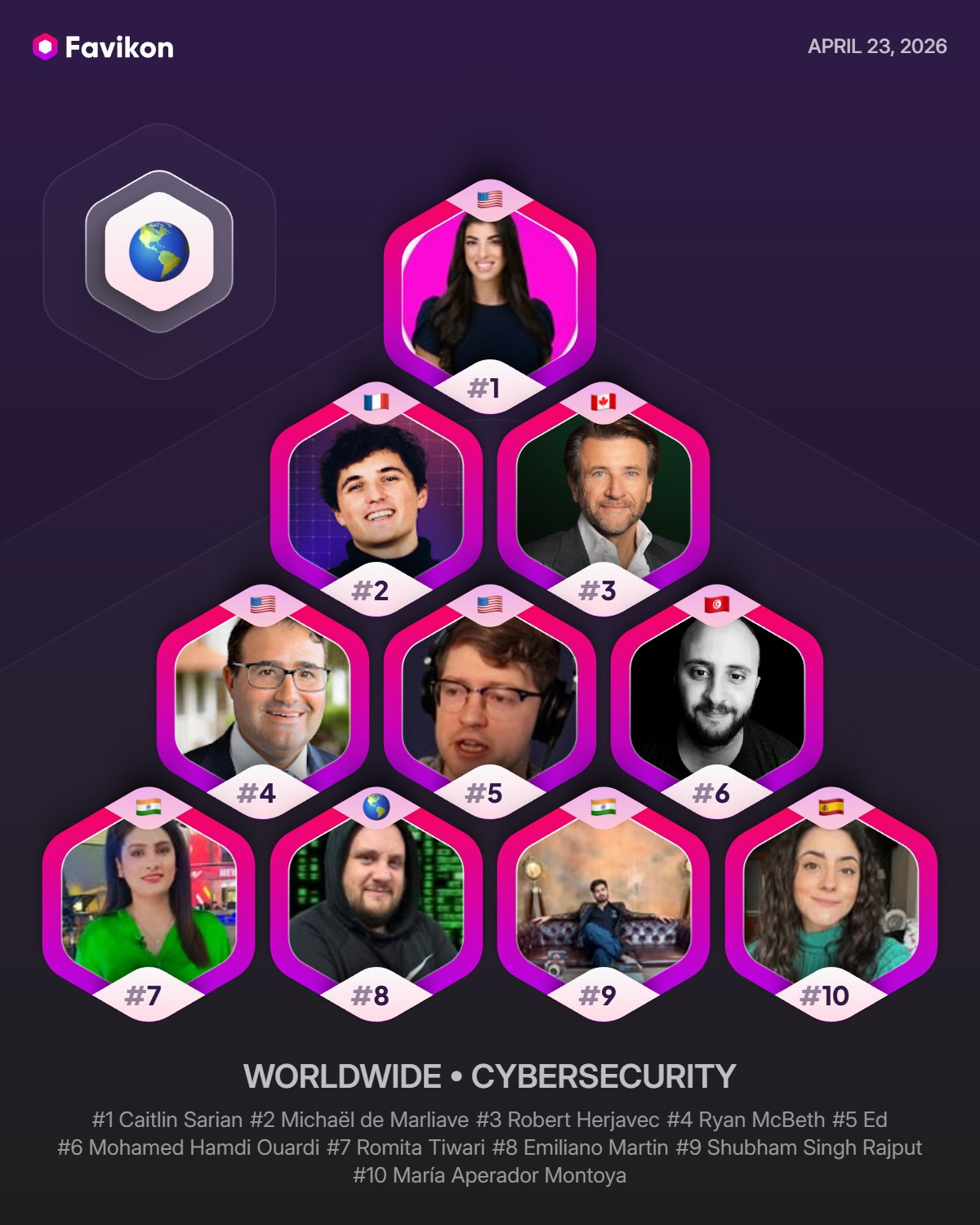
After nearly five years of dedicating myself to empowering others in cybersecurity, I’m honored to be recognized 💖
New FBI & NSA warning for everyone with home WiFi
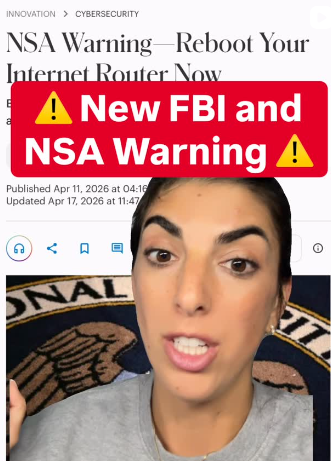
Here is what you need to know and how to protect yourself!
Last month, Anthropic announced a new AI called Mythos. And Mythos just uncovered thousands of critical, hidden flaws inside the everyday tech we all use
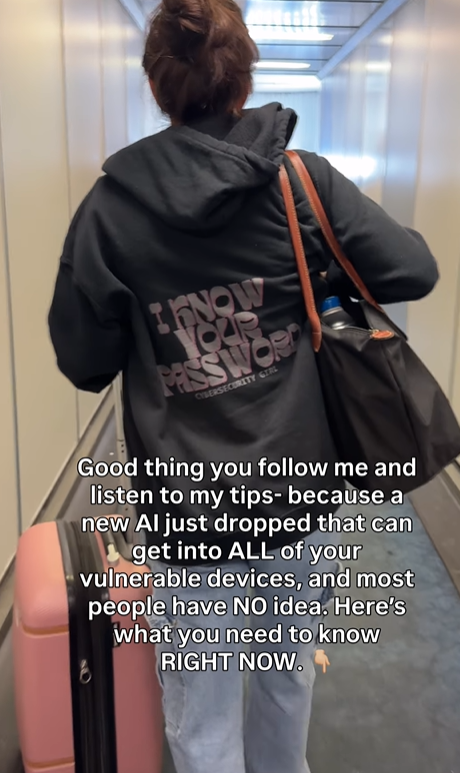
Here’s what YOU need to do RIGHT NOW to protect yourself!
Let’s keep building together!
Stay protected,
Cybersecurity Girl
Know someone who’d enjoy this? Pass it along and have them sign-up here! And if you have thoughts or feedback, just hit reply, I’d love to hear from you.


Responses