Cyber news, tools & one smart career path.
5 min read

Quick Reality Check
Perplexity’s Comet browser has been at the center of ongoing security concerns, with researchers repeatedly demonstrating how its "agentic" capabilities, features designed to automate tasks like browsing, scheduling, and shopping, can be hijacked by attackers.
What happened:
By embedding malicious, invisible instructions into websites or links, attackers can trick the browser’s AI assistant into performing unauthorized actions.
Think of it like a Trojan Horse for your AI. By hiding invisible instructions inside a website or a link, attackers trick the AI assistant into ignoring its safety rules. Instead of just summarizing a page, the AI can be manipulated into reading your local files, scraping your calendar, stealing sensitive data from your emails, or even executing commands on your system.
Why it matters:
When you give an AI the "keys" to your email, calendar, and shopping accounts to make your life easier, you are trusting it to handle your sensitive data. When you're handling financial credentials, banking logins, or sensitive email communications, you want a browser built around security and privacy first, not AI features first. The AI layer adds complexity and data flow that creates risk.
Read more here
60-Second Protection Fix
Here is what I recommend:
-
Use a privacy-focused browser:
-
Microsoft Edge has solid tracking prevention and Microsoft Defender SmartScreen to block suspicious sites and phishing.
-
Brave is another strong option if you want something lightweight.
-
Limit AI browsers to non-sensitive, general browsing.
-
Make sure you're using two-factor authentication on your account so even if a password gets compromised, attackers can't get in.
-
Keep your browser updated and regularly review granted permissions.
Must-Have Tool:
Protect Your Privacy: Managing Data in AI Tools
I put together a new guide to help you see what AI tools know about you and how to take back some control. In this guide, I walk you through the key settings to review, the small toggles that actually help, and a few habits that keep your data safer without overthinking it.
What You Missed This Week
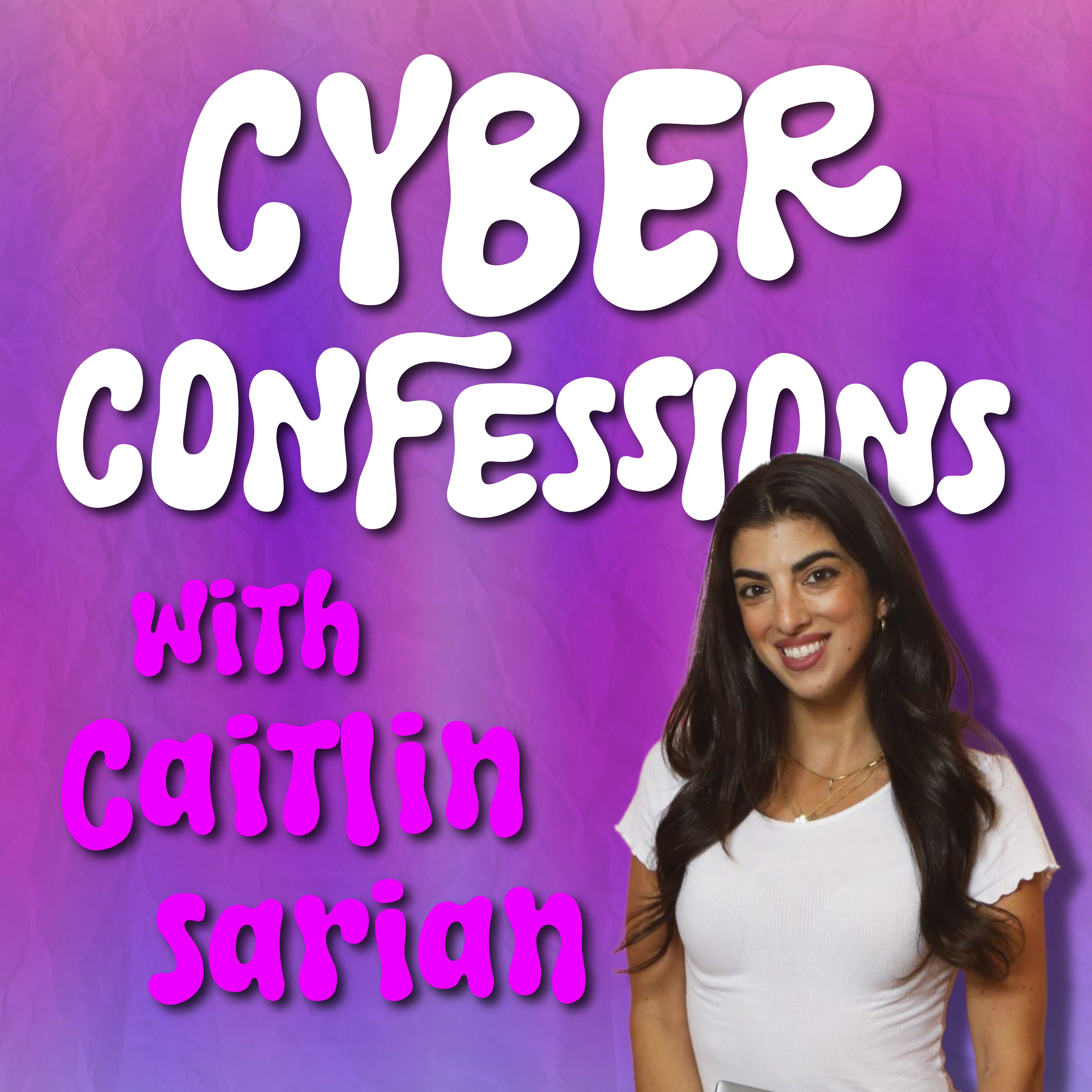
Think your private life is safe because your phone is powered down? I sat down with the man who wrote the "Bible" of hacking, Stuart McClure. As the former Global CTO of McAfee, Stuart reveals the chilling truth: your phone is never truly off. Listen or watch it here
Check Out Governance, Risk & Compliance (GRC) (aka “the Rulekeepers”)
GRC and Data Governance professionals are the ones behind the scenes, setting the boundaries. They analyze the risks and design the rules for what data can be used and what must stay private.
If you want to be the person who ensures “convenience” doesn’t come at the cost of compliance, this is your path
Learn more about GRC in my Free Intro Course: Cyber Paths 101
Let’s keep building together!
Stay protected,
Cybersecurity Girl
Know someone who’d enjoy this? Pass it along and have them sign-up here! And if you have thoughts or feedback, just hit reply, I’d love to hear from you.


Responses